
Free AI Virtual Staging
AI virtual staging adds furniture and decor to a room photo so sellers and agents can show how an empty space might be used.
Free AI Virtual Staging examples
AI-generated examples. Use these prompts as a starting point; your results will vary.
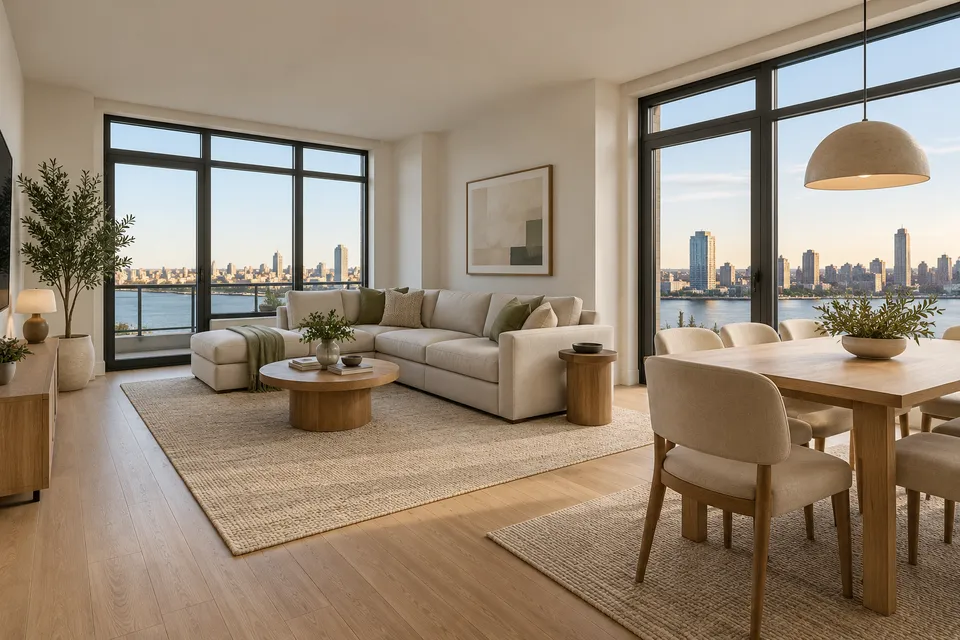
Photorealistic architectural design visualization: Virtually staged empty apartment living room furnished with neutral sofa, rug and dining table; realistic proportions, unobstructed windows. Realistic perspective, wide composition, no people, no text, no watermark.
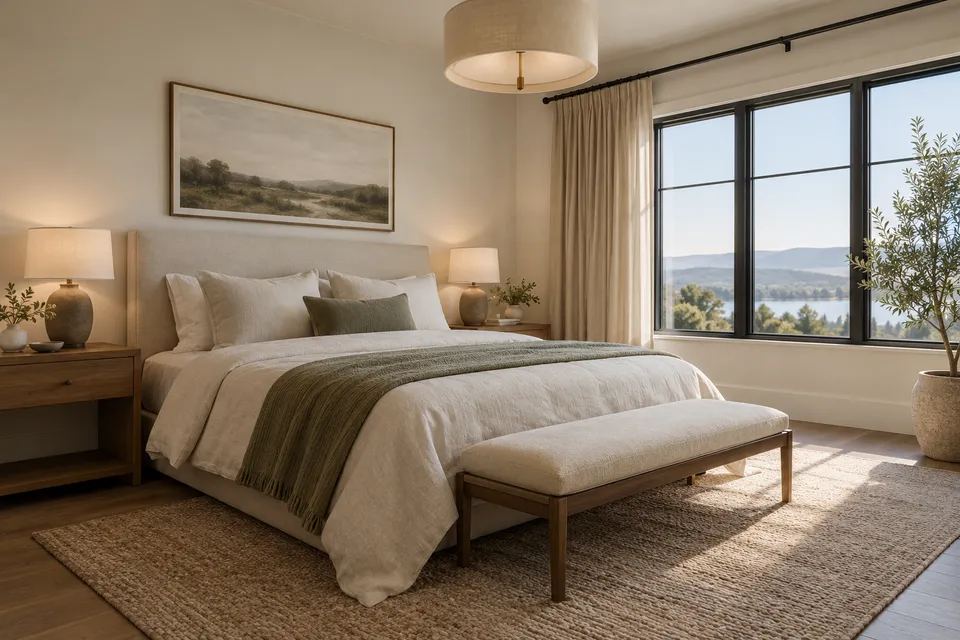
Photorealistic architectural design visualization: Virtually staged primary bedroom with queen bed, bedside tables and restrained linen bedding. Realistic perspective, wide composition, no people, no text, no watermark.
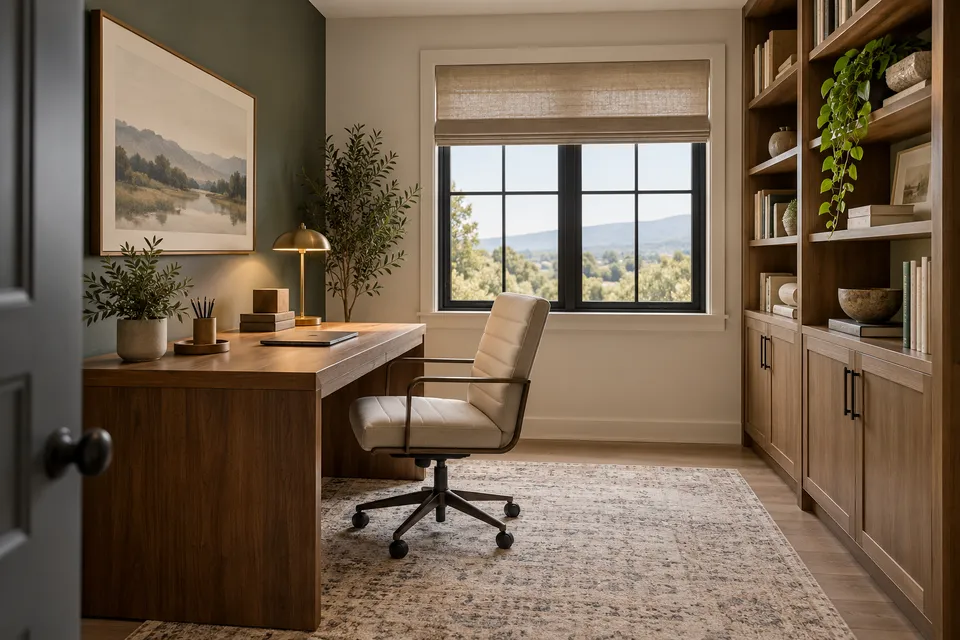
Photorealistic architectural design visualization: Virtually staged compact home office with desk, chair and bookcase; realistic furniture scale. Realistic perspective, wide composition, no people, no text, no watermark.


Empty room → staged listing.
We restyle a room you already furnished. Collov furnishes an empty one — the shot that actually sells a listing — and does the jobs a free tool won’t touch.
- Stage empty rooms for listings
- Remove the furniture that’s already there
- Twilight exteriors & lawn replacement
- Commercial licence · no hourly limit
How to try virtual staging
Photograph the whole space
Photograph an empty room from a corner that shows its entrance, windows, and usable floor area.
Describe what must stay
Keep the existing structure visible. Use the notes to name fixed features and the changes you want to compare.
Compare and check your concept
Generate a version, compare it with your photo, and measure the actual space before buying materials or furniture.
Practical tips for virtual staging
Photograph an empty room from a corner that shows its entrance, windows, and usable floor area. Virtual staging works best when the photo is bright, level, and uncluttered, because the furniture must sit naturally within the existing perspective. Choose a furnishing style that suits the property and the likely audience: a compact city apartment needs a different sofa and dining arrangement from a large family house.
Name the purpose of the room in the notes. Ask for a living and dining area, a guest bedroom, or a desk-based home office rather than simply asking for luxury furniture. Keep the original walls, windows, flooring, and fixed fittings visible. Oversized sofas and extra doors can make a staged picture look persuasive while misrepresenting the property. Compare the result closely with the source photo before sharing it.
For a listing, label the image as virtually staged and keep the original empty-room photo alongside it. Check the disclosure rules of the listing service you use. Do not use staging to hide damage, remove permanent obstructions, or imply that furniture is included in the sale. The tool provides visual furnishing concepts rather than measured room layouts. A buyer should still inspect the room and confirm dimensions in person; an agent can use the picture to explain a possible use of the space, not to establish its condition.
Explore other spaces
Plan another room using your own photo.
Kitchen Redesign
Kitchen redesign uses a photo of your existing kitchen to visualize new cabinets, surfaces, lighting, and finishes before renovation.
Home Office Design
Home office design turns a photo of your workspace into a furnishing concept with a desk, storage, lighting, and a clearer working layout.
Living Room Redesign
Living room redesign visualizes seating, lighting, storage, and color changes using a photo of your current living space.
Free AI Virtual Staging questions
Is AI virtual staging free?
Yes, no signup is required. Hourly fair-use limits apply. Upload a room photo and describe the furniture you want.
Should I disclose virtual staging in a listing?
Label the image as virtually staged and show the original photo alongside it. Follow the specific disclosure requirements of your listing platform.
Can virtual staging change structural features?
The goal is furnishing, not remodeling. Ask to preserve walls, windows, flooring, and fixed fittings, then reject images that misrepresent the room.